Playbook Purpose
This playbook equips SOC and identity teams with detection logic, hunting queries, and structured response actions for OAuth consent abuse in Microsoft Entra ID. Malicious consent grants — delivered through phishing, compromised credentials, or rogue multi-tenant apps — allow adversaries to access Microsoft Graph data, maintain cloud persistence, exfiltrate email and files, or stage ransomware operations. These attacks operate entirely at the identity layer and often generate no endpoint telemetry. Traditional EDR-centric playbooks frequently fail to detect them. This playbook closes that visibility gap.
Why This Matters
OAuth consent abuse is dangerous because:
- No malware is required
- No antivirus alert is triggered
- Access persists through refresh tokens
- MFA does not automatically invalidate granted tokens
Observed outcomes include:
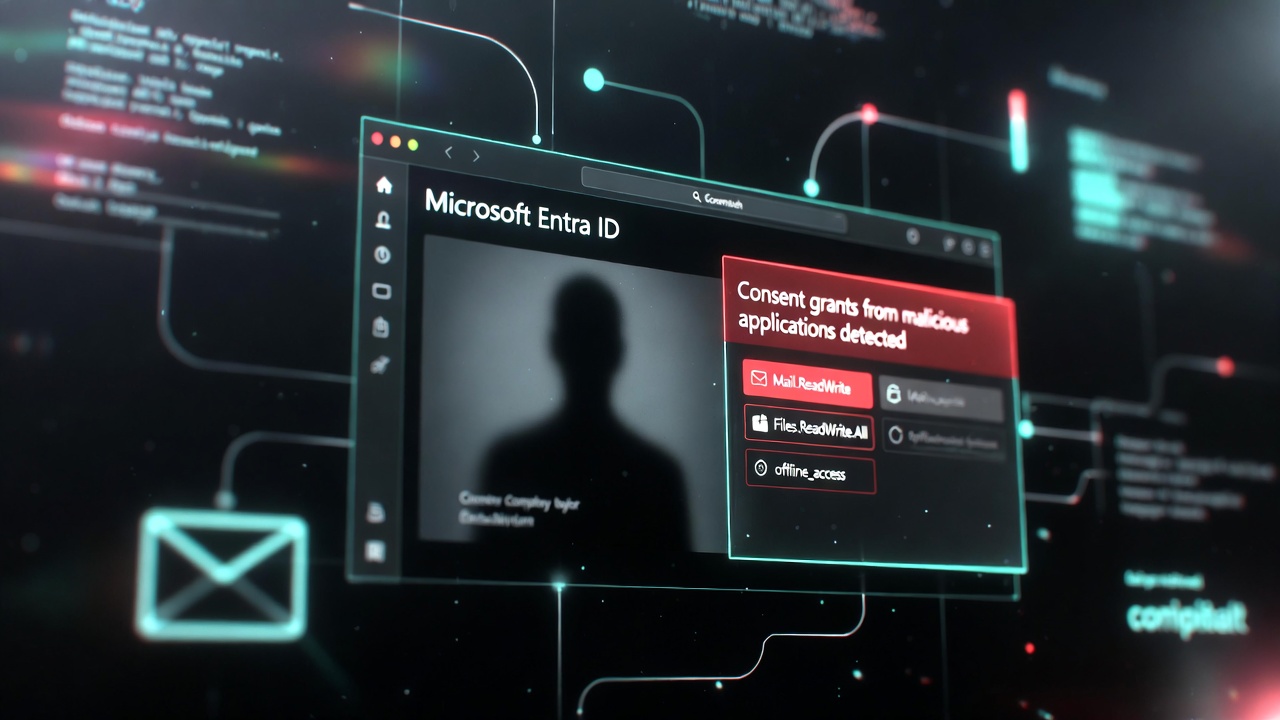
- Silent mailbox exfiltration (Mail.Read / Mail.ReadWrite)
- OneDrive and SharePoint data staging (Files.ReadWrite.All)
- Tenant reconnaissance (User.Read.All, Directory.Read.All)
- Long-term cloud persistence (offline_access)
- Ransomware pre-positioning inside M365 environments
Organizations allowing unrestricted user consent or operating with weak Conditional Access policies are at elevated risk.
Threat Model — How Consent Abuse Works
- A user receives a phishing email containing a malicious OAuth link
- The user authenticates through a legitimate Microsoft login page
- The user grants delegated permissions to an attacker-controlled application
- The attacker receives OAuth access and refresh tokens
- Tokens are used via Microsoft Graph API to access data or maintain persistence
No malware. No binary drop. No traditional IOC.
The attack exists entirely within Entra logs and token activity.
Detection Strategy
Effective detection requires visibility into:
- Entra Sign-in Logs
- Entra Audit Logs
- Microsoft 365 Unified Audit Logs
Focus on high-signal identity events rather than endpoint telemetry.
High-Signal Detection Indicators
- Suspicious App Registrations
New enterprise application created by non-admin
App registration from unusual IP or geography
Multi-tenant app created by standard user
- Unusual Consent Grants
Consent to unknown AppId or client ID
Consent from TOR exit node or atypical ASN
Multiple consent events within short timeframe
Consent granted outside normal working hours
- High-Privilege Graph API Scopes
Flag delegated or application permissions including:
Mail.ReadWrite
Files.ReadWrite.All
Sites.ReadWrite.All
User.Read.All
Directory.Read.All
offline_access
- Abnormal Token Usage
High volume of token issuance from same AppId
Token requests from IP not associated with user
Token refresh patterns outside business hours
- Admin Consent Abuse
AdminConsentWorkflowRequest from non-security team
AdminConsentGranted outside change window
Consent granted to newly created ServicePrincipal
Detection Rules (Operationalized)
Below are structured detection conditions suitable for Microsoft Sentinel or Log Analytics environments.
- Rule 1 – Risky Consent Event
Trigger when:
• OperationName = “Consent to app”
• RiskLevelDuringSignIn = medium or high
• Location not in known baseline
Escalation Level: High
- Rule 2 – High-Privilege Delegated Permission Grant
Trigger when:
• OperationName = “Add delegated permission grant”
• TargetPermissions contains high-risk scopes (Mail., Files., offline_access)
• InitiatedBy not in identity admin list
Escalation Level: High
- Rule 3 – Unauthorized Admin Consent
Trigger when:
• OperationName in (“AdminConsentWorkflowRequest”, “AdminConsentGranted”)
• InitiatedBy not in approved admin group
Escalation Level: Critical
- Rule 4 – OAuth Token Volume Anomaly
Trigger when:
• Same AppId
• More than 50 token requests within 5 minutes
• From single user or IP
Escalation Level: Medium → escalate if combined with suspicious consent
- Rule 5 – Service Principal Modification
Trigger when:
• OperationName in (“Add service principal”, “Update service principal”)
• InitiatedBy not in known admin list
• Occurs within 30 minutes of consent event
Escalation Level: High
KQL Hunting Queries
// Query 1: Suspicious OAuth Consent – Last 7 Days
SigninLogs
| where TimeGenerated > ago(7d)
| where OperationName == "Consent to app"
| where RiskLevelDuringSignIn in ("medium","high")
| summarize Count=count() by UserPrincipalName, AppDisplayName, IPAddress, Location
| order by Count desc

// Query 2: High-Privilege Permission Grants – Last 30 Days
AuditLogs
| where TimeGenerated > ago(30d)
| where OperationName in ("Add delegated permission grant",
                          "Add app role assignment to service principal")
| where TargetResources has_any ("Mail.ReadWrite","Files.ReadWrite.All","offline_access","User.Read.All")
| project TimeGenerated, InitiatedBy, TargetResources, CorrelationId
| order by TimeGenerated desc

// Query 3: Admin Consent Abuse – Last 30 Days
AuditLogs
| where TimeGenerated > ago(30d)
| where OperationName in ("AdminConsentWorkflowRequest","AdminConsentGranted")
| summarize Count=count() by InitiatedBy, TargetResources
| where InitiatedBy !in (known_admin_list)
| order by Count desc
Investigation Workflow (SOC Process)
When a suspicious consent event is identified:
- Identify the AppId and Publisher. Verify whether it is a verified publisher.
- Review granted scopes and flag high-risk permissions.
- Identify all users who consented to the application.
- Pivot on CorrelationId to reconstruct the full consent chain.
- Review Graph API sign-in logs for token usage from the app.
- Examine mailbox audit logs if Mail scope was granted.
- Examine SharePoint / OneDrive access logs if Files scope was granted.
- Treat any anomalous consent event as a potential credential compromise until proven benign.
Immediate Response Actions
- Revoke the consent (Enterprise Apps → Permissions → Revoke)
- Disable or delete the malicious application registration
- Revoke active sessions for affected users
- Reset user credentials and enforce MFA re-registration
- Review other recent consent events from same user
- Block high-risk sign-ins via Conditional Access
Hardening Recommendations
- Disable unrestricted user consent for high-privilege scopes
- Restrict consent to verified publishers only
- Enforce Conditional Access for medium/high-risk sign-ins
- Block legacy authentication
- Monitor OAuth token issuance anomalies
- Conduct quarterly tenant-wide consent reviews
ByteVanguard Tactical Assessment
OAuth consent abuse represents a high-signal identity-layer persistence vector in Microsoft Entra environments. Because no malware is executed, traditional endpoint detection provides little visibility. Identity telemetry — including consent events, service principal changes, and token activity — must be treated as primary detection surfaces.
Organizations with open user consent policies, weak Conditional Access enforcement, or limited OAuth monitoring are operating with elevated cloud exposure. In modern cloud environments, defending the tenant requires defending the token.
© 2026 ByteVanguard • Independent Cyber Threat Intelligence