

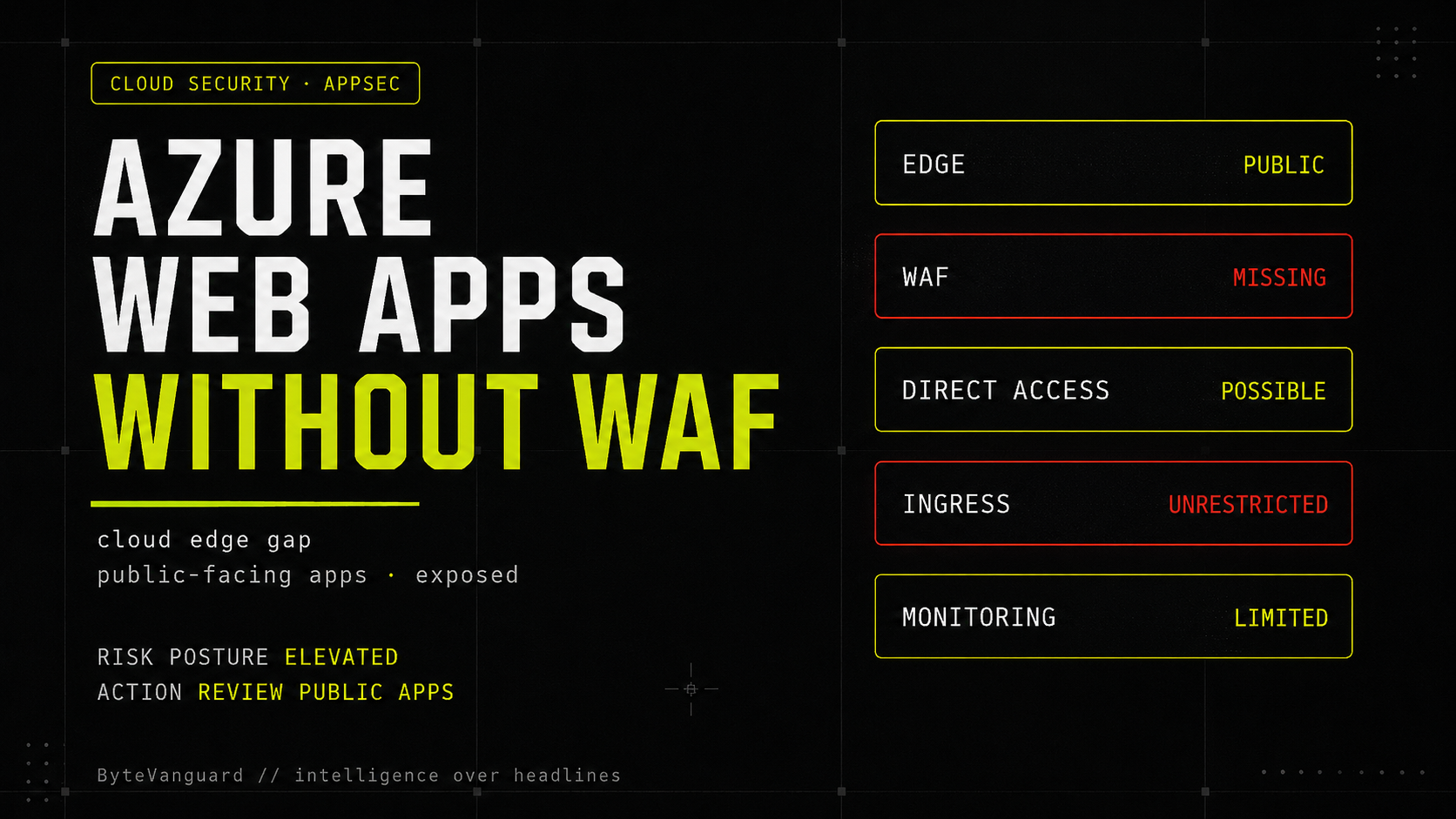
Azure App Service makes it easy to publish applications without managing servers. That convenience is useful. It is also why public cloud apps can become part of the corporate edge before anyone has made a deliberate decision about WAF, ingress restrictions, private endpoints, or application-layer monitoring.
The uncomfortable thing about Azure Web Apps is that they feel safer than they sometimes are.
That is not because Azure App Service is insecure. It is a mature managed platform. Microsoft handles the operating system, runtime hosting, scaling, deployment slots, TLS support, platform patching, and a long list of infrastructure concerns most teams do not want to own. For developers, that is the point. You can build and publish quickly without caring about the server underneath.
The problem is more subtle: managed infrastructure can create the impression of managed exposure.
A web application running on Azure App Service may look modern, cloud-native, and enterprise-ready. But if it is public-facing, accepts user input, exposes APIs, handles authentication, or connects to internal systems, it is still part of the corporate attack surface. The internet does not care that the workload is managed by a cloud platform. Attackers still see an HTTP endpoint.
That is where the WAF question becomes interesting.
Threat at a Glance
| Field | Detail |
|---|---|
| Risk Pattern | Public Azure Web Apps exposed directly to the internet without WAF, private ingress, access restrictions, or mature application-layer monitoring |
| Primary Concern | Managed hosting can be mistaken for managed application security |
| Common Exposure | Public HTTP/S endpoints, APIs, login portals, admin tools, file upload workflows, partner integrations, staging apps, and forgotten test applications |
| Attack Classes | Injection attempts, cross-site scripting, path traversal probes, malicious file uploads, credential stuffing, bot traffic, abusive API behavior, and application-layer DDoS-style traffic |
| Relevant Azure Controls | Azure Front Door WAF, Application Gateway WAF, App Service access restrictions, private endpoints, public network access controls, logging, identity, and rate limiting |
| Worst Case | A low-friction cloud app becomes an unmonitored public edge connected to sensitive data or internal business systems |
| Best Case | Public exposure is intentional, traffic is routed through WAF-capable edge services, and the app has layered controls beyond the platform default |
| Defender Priority | Inventory public App Service workloads and identify which are not behind WAF or equivalent ingress controls |
The cloud edge is still an edge
A Web Application Firewall is not magic. It does not fix broken authorization logic. It does not repair bad session handling. It does not prevent every injection flaw, stop every bot, or turn vulnerable application code into secure application code. Anyone who has operated WAFs knows the problems: false positives, noisy rules, emergency exclusions, detection-only deployments, and the familiar fear that blocking mode will break a production workflow.
But that does not make the control irrelevant.
For public web applications, especially inside corporations, a WAF is one of the standard layers between the internet and the application. It gives defenders a place to apply managed rules, block obvious malicious traffic, slow abusive patterns, and observe hostile web behavior before it reaches application code. In a cloud environment where apps can be deployed quickly, that edge layer becomes even more important.
The issue is not that every Azure Web App without WAF is vulnerable. That would be too simplistic. The issue is that many cloud applications are deployed faster than the security model around them.
A developer can publish an Azure Web App quickly. A team can expose a customer workflow, staging portal, internal dashboard, partner API, file upload function, or proof-of-concept without the same friction that existed in older data center environments. That speed is useful. It is also how a business application becomes internet-facing before security architecture has caught up.
“Azure App Service removes infrastructure burden. It does not remove the need to design the application edge.”
— ByteVanguard analysisWhat changes when the app is public
In the traditional data center world, public exposure usually had visible friction. Someone had to request a firewall change. Someone had to configure a reverse proxy or load balancer. Someone had to decide that an internal application was now externally reachable. That process was not always elegant, but it made exposure harder to miss.
In cloud environments, the perimeter is often created by configuration.
That means the risk shifts from “did the firewall team open the port?” to “did the application team design the ingress path correctly?”
For Azure Web Apps, that design starts with basic questions. Is the app supposed to be reachable from the public internet? Should it be restricted to a private endpoint? Should traffic flow through Azure Front Door or Application Gateway with WAF enabled? Are App Service access restrictions configured? Is the management and deployment surface locked down? Are logs being collected where security teams can actually use them?
These are not theoretical architecture questions. Microsoft’s own Azure guidance recommends private endpoints to control inbound traffic, limiting App Service access from within a virtual network, disabling public internet access where appropriate, and deploying WAF to help protect against common vulnerabilities.
No WAF does not automatically mean the app is insecure. A low-risk static site is not the same as a customer portal, authentication flow, API, admin dashboard, or application connected to production data. The risk depends on exposure, sensitivity, traffic patterns, and compensating controls.
How cloud edge drift happens
The dangerous cases rarely start with someone intentionally designing a weak edge. They usually start with normal business pressure.
A temporary app becomes permanent. A staging portal gets shared with a vendor. A proof-of-concept starts collecting real customer data. A small internal tool becomes part of a business workflow. An API originally meant for one integration becomes a dependency for several teams. The security model that was acceptable for a short-lived project becomes the production posture by accident.
This is cloud edge drift.
It is not always dramatic. There may be no breach, no headline, no emergency patch window. But the organization slowly accumulates public endpoints that do not have the same level of edge control as its more obvious internet-facing assets. The cloud app is technically managed. The risk is still customer-owned.
The WAF gap is not only about WAF
The title says WAF, but the real issue is broader. A WAF gap is often a symptom of a larger ingress-control problem.
If an Azure Web App is intended to be private, the better control may be a private endpoint and disabled public access. If the app is intended to be public, the better design may be Azure Front Door or Application Gateway with WAF, plus access restrictions so traffic cannot bypass the protected path. If the app is an API, the answer may also include authentication, authorization, schema validation, throttling, and abuse monitoring.
The mistake is treating these as optional hardening items that can be added later. In reality, they are part of the application boundary.
What defenders should prioritize
The first step is not buying another tool. It is inventory.
Security teams should know which Azure App Service workloads are public-facing, which are behind WAF-capable edge services, which are restricted to private ingress, and which are exposed directly. That list should be tied to ownership and business criticality. A forgotten public app with no owner is often more dangerous than a well-monitored public app with a documented reason to exist.
The second step is traffic path validation. Many organizations believe an application is “behind WAF” because Front Door or Application Gateway exists somewhere in the architecture. That is not enough. If the default App Service endpoint remains directly reachable, traffic may bypass the protected path. A WAF only protects the traffic that actually flows through it.
The practical test is simple: can an external user reach the App Service directly without passing through the approved edge layer? If yes, the architecture has a bypass path, even if a WAF exists elsewhere in front of the application.
Relevant ATT&CK-style behaviors
Defender guidance
The defensive answer is layered control. WAF is one layer. Private networking is another. Identity is another. Secure coding is another. Monitoring is another. None of them is perfect. Together, they reduce the chance that one cloud configuration mistake becomes an incident.
The bigger picture: managed cloud is not managed risk
Azure App Service is valuable because it removes a lot of infrastructure work. That is exactly why it is popular. But the security boundary of a web application does not disappear when the server is abstracted away.
The public endpoint still exists. The login page still exists. The API still exists. The upload form still exists. The application logic still exists. And if those surfaces are reachable from the internet, they still need protection, monitoring, and ownership.
The real lesson is not “every Azure Web App must have WAF.” That is too blunt. Some apps are low risk. Some are private. Some have compensating controls. Some may be temporary or isolated. But for enterprise applications that handle identity, APIs, customer workflows, employee data, business operations, or production systems, the absence of WAF or equivalent edge controls is a signal worth investigating.
For executives, the right question is not simply, “Do we use Azure App Service?”
The better question is: “Which of our Azure Web Apps are public-facing, which ones are not behind WAF or private ingress, and which ones connect to sensitive systems?”
Many organizations will not have a clean answer. That is the risk.
The cloud did not eliminate the perimeter. It made the perimeter programmable. And programmable perimeters still need to be defended.
References
- Microsoft Learn Architecture Best Practices for Azure App Service — private endpoints, public access reduction, and WAF guidance learn.microsoft.com ↗
- Microsoft Learn Azure Web Application Firewall on Azure Front Door — centralized protection for public web applications learn.microsoft.com ↗
- Microsoft Learn Web Application Firewall on Azure Front Door — managed rules and protection against common vulnerabilities learn.microsoft.com ↗
- Microsoft Learn Azure App Service access restrictions — inbound filtering and allow / deny rules learn.microsoft.com ↗
- Microsoft Learn Set up Azure App Service access restrictions — priority-ordered allow / deny lists learn.microsoft.com ↗
- Microsoft Learn Use private endpoints for Azure App Service apps — reducing public internet exposure learn.microsoft.com ↗
- OWASP Web Application Firewall overview — HTTP filtering and application-layer attack mitigation owasp.org ↗
